Digital Experience Monitoring (DEX) provides visibility into WARP device metrics, connectivity, and network performance across your Cloudflare SASE deployment.
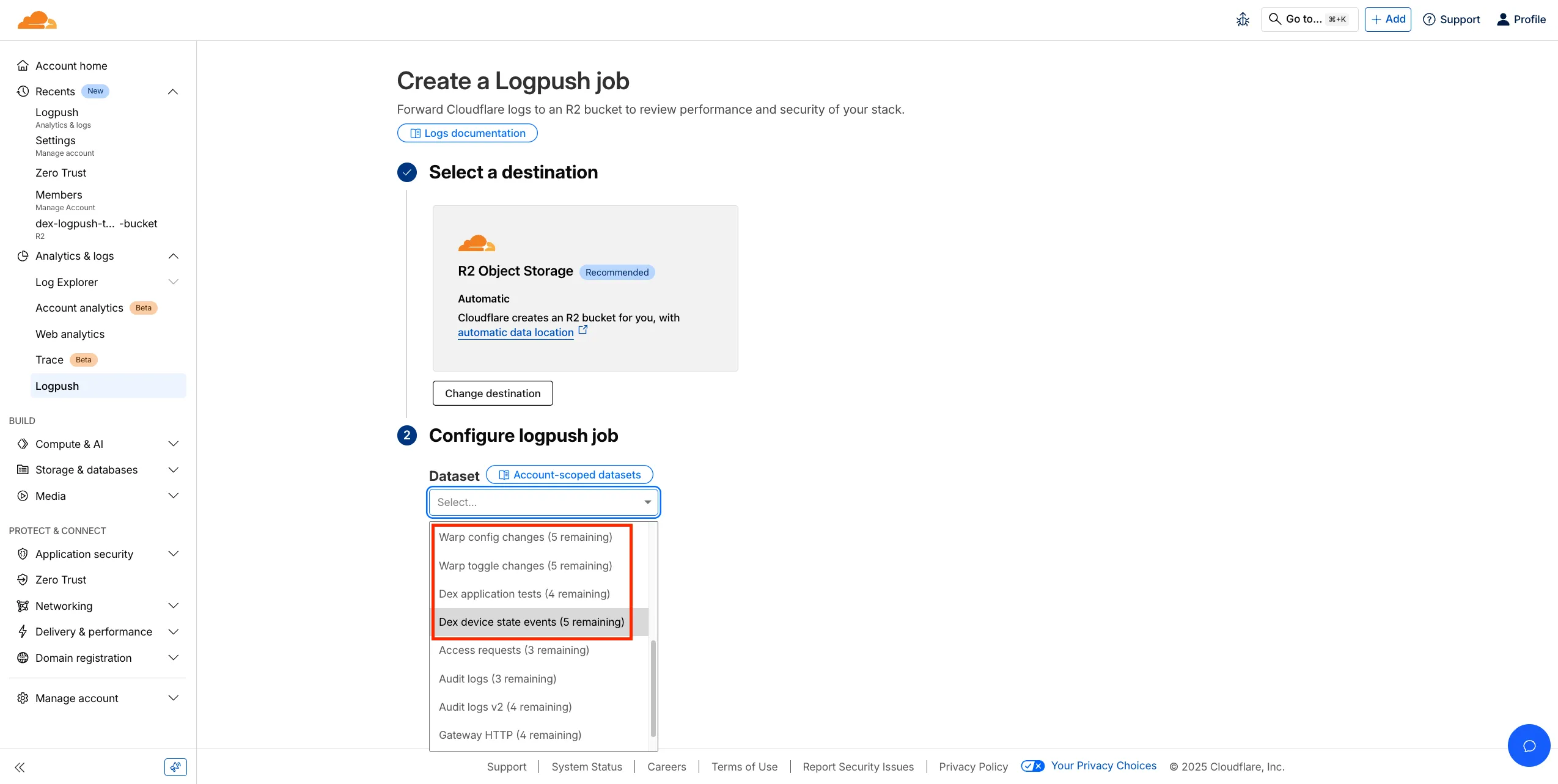
We’ve released four new WARP and DEX device data sets that can be exported via Cloudflare Logpush. These Logpush data sets can be exported to R2, a cloud bucket, or a SIEM to build a customized logging and analytics experience.
To create a new DEX or WARP Logpush job, customers can go to the account level of the Cloudflare dashboard > Analytics & Logs > Logpush to get started.
Source: Cloudflare
Latest Posts
- Amazon ECS adds Amazon VPC Lattice support for blue/green, linear, and canary deployments

- MC1166852: Microsoft Viva Copilot Analytics Adds Agent Dashboard for Adoption and Credit Insights
- Access, Cloudflare One – New strict service token authentication setting for Access
- Rules – hash_in_range() is globally available for HTTP products