Hey, happy new year! If you’re like me, you’re probably still catching up after the holidays and wondering how AI is going to make 2026 a bit less chaotic at work. Well, Microsoft Copilot is stepping up big time. Coming off the Ignite 2025 announcements and some fresh rollouts in late 2025, it’s shifting from that handy chat sidebar to something much more capable, like a smart colleague who actually gets your job. With things like GPT-5 powering the core (and GPT-5.2 already rolling out), deeper connections to your inbox and calendar via Work IQ, and Agent Mode starting to land in previews, Copilot is getting seriously good at handling real tasks. It’s exciting, but yeah, it also means thinking about governance and not letting it blur those work-life lines too much.
1. GPT-5 (and Now GPT-5.2) Making Things Smarter and Faster
Late last year, GPT-5 became the go-to model, and just in December, GPT-5.2 started hitting Microsoft 365 Copilot users. What does that look like in practice?
- Way better at tough, multi-step problems.
- Automatically picks the right speed—quick for simple stuff, thoughtful for the big ones.
- Pulls in context from your emails, meetings, and files thanks to Work IQ.
It’s a solid partnership with OpenAI, but smart teams are already eyeing the growing multi-model options (like adding Anthropic’s Claude) to mix things up for creative or specialized tasks and avoid putting all eggs in one basket.
2. Chat and Memory That Actually Feels Personal
Copilot Chat is getting nicer to use every month:
- Easier search through old conversations, pinning the important ones.
- It remembers your style and preferences (admins can dial this in for privacy).
- Better ties to your inbox and calendar for responses that feel spot-on.
This kind of personalization is a game-changer for getting stuff done quicker, though in stricter industries, keeping a close eye on what it remembers is key to staying compliant as rules evolve.
3. Agent Mode: Letting Copilot Take on Real Workflows
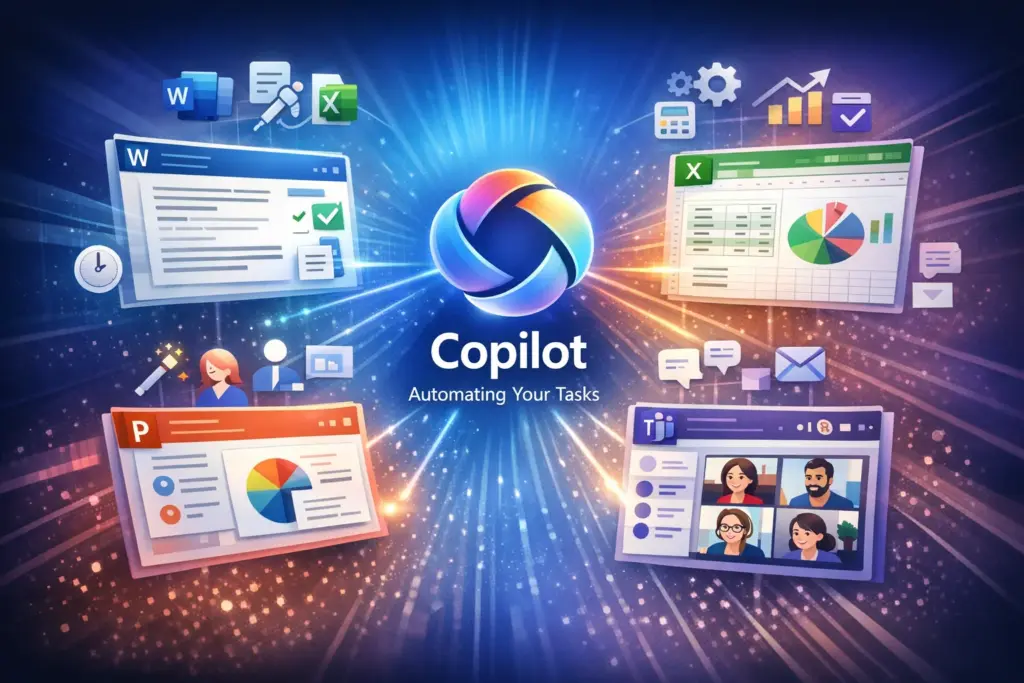
This is the part I’m most pumped about heading into 2026—Agent Mode is rolling out in previews across chat and the Office apps, so Copilot can iterate on tasks without you babysitting every step.
- In Word, Excel, PowerPoint: It refines docs, crunches data, or builds slides, looping you in for tweaks.
- In Outlook and Teams: Handles meeting prep, follow-ups, even scheduling.
- Specialized ones like Researcher or Analyst dig into specifics.
All grounded in Work IQ for your company’s data. It frees up time for the boring stuff, but in creative jobs, it can sometimes make things feel a bit too uniform, tweaking with Copilot Studio keeps that personal touch
4. Making Meetings in Teams Less Painful
Copilot’s turning into that reliable note-taker we all wish we had:
- Tracks the agenda live, pulls out actions as they’re said.
- Spits out summaries and tasks right after.
- More polish coming this month.
The productivity boost is real, but transcription can still trip on accents or languages—good to see ongoing fixes for making it fairer across global teams.
5. Governance That’s Actually Helpful for Admins
Lots landing now and into early 2026:
- Better dashboards for tracking usage and value.
- Purview tying in for protecting sensitive stuff in prompts and agents.
- Agent 365 as the main hub for control (previews expanding).
- More regions getting in-country data handling.
This stuff really sets Microsoft apart for bigger or regulated setups, even if smaller teams might need some simpler guides to get started without it feeling overwhelming.
6. More Trust with Citations and Model Choices
Rolling wider:
- Sources you can actually check.
- Switching between GPT flavors and Claude/Anthropic.
- Pay-as-you-go for heavier lifts.
Great for picking the best tool per job, just watch that teams have guidelines so results stay consistent and unbiased.
7. Copilot Following You Everywhere
It’s popping up more places:
- Edge for smarter browsing help.
- SharePoint organizing content intelligently.
- Mobile getting full voice and features.
- A central store for finding and managing agents.
Super convenient, but honestly, it can make switching off harder—maybe set some “no AI after hours” rules to avoid burning out.
Wherever you work, Copilot is following.
Roadmap Quick Look (January 2026)
| Category | Out Now / Recent | Coming Q1 2026 |
|---|---|---|
| Models | GPT-5.2 rolling, multi-model options | Wider defaults, more choices |
| Agents | Previews in apps and chat | General availability for Office agents, deeper Work IQ |
| Governance | Dashboard upgrades, Purview DLP | Agent 365 full launch, extra regions |
| Integrations | Inbox/calendar ties, mobile voice | Better Edge/SharePoint, Teams polish |
| Other | Memory tweaks, citations | Email org messages, more controls |
Why This Feels Big for 2026
- Admins: Get your data house in order—good foundations make agents shine.
- Developers: Jump into Copilot Studio for custom stuff that gives you an edge.
- Users: Expect smarter writing, better meetings, and less context-switching.
Wrapping It Up
As 2026 kicks off, Copilot feels like it’s finally hitting its stride: smarter reasoning, agents that actually do work, and controls to keep it safe. It’s going to help a ton with human creativity, as long as we roll it out thoughtfully, watching privacy, ethics, and not depending on it too much.