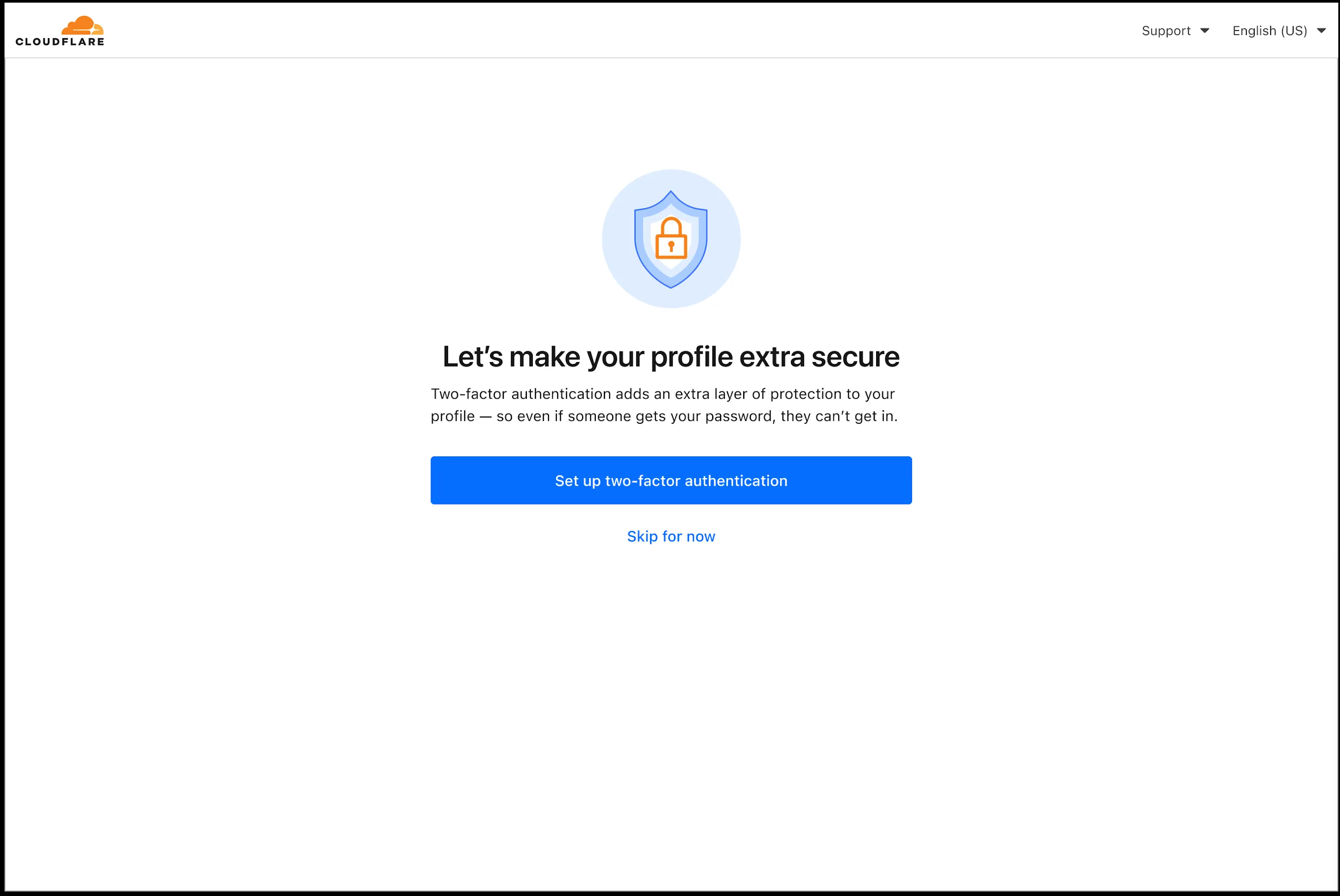
In an effort to improve overall user security, users without 2FA will be prompted upon login to enroll in email 2FA. This will improve user security posture while minimizing friction. Users without email 2FA enabled will see a prompt to secure their account with additional factors upon logging in. Enrolling in 2FA remains optional, but strongly encouraged as it is the best way to prevent account takeovers.
We also made changes to existing 2FA screens to improve the user experience. Now we have distinct experiences for each 2FA factor type, reflective of the way that factor works.
For more information
Source: Cloudflare
Latest Posts
- Amazon ECS adds Amazon VPC Lattice support for blue/green, linear, and canary deployments

- MC1166852: Microsoft Viva Copilot Analytics Adds Agent Dashboard for Adoption and Credit Insights
- Access, Cloudflare One – New strict service token authentication setting for Access
- Rules – hash_in_range() is globally available for HTTP products