Review the update and plan any required actions before rollout.
Primary Audience
Why this score?
AT A GLANCE
END USERS
IT ADMINS
ROLLOUT TIMELINE
Late August 2026
📢 Official Microsoft Message Center Announcement
Microsoft Teams: Interpreter agent support in Teams Rooms on Android
Message ID: MC1446807
[What and why]
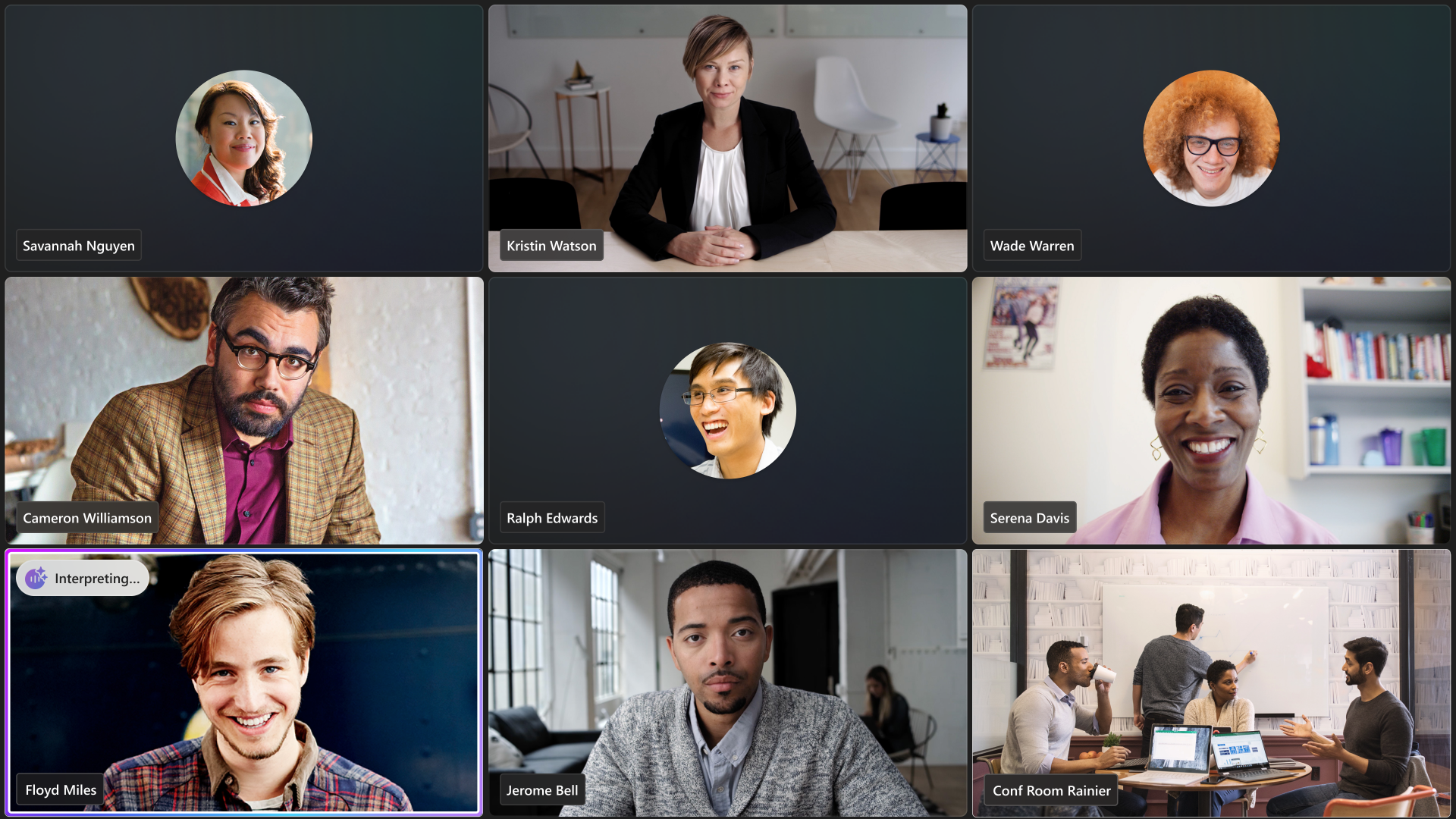
We’re bringing Interpreter agent to Microsoft Teams Rooms on Android, enabling real-time spoken language interpretation during meetings. This feature helps multilingual teams collaborate more effectively by allowing participants to speak and listen in their preferred language. Interpreter agent supports up to nine languages and includes options for voice simulation to create a more natural meeting experience.
This feature is available for Teams Rooms on Android with a Teams Rooms Pro license. No additional Copilot license is required.
[Rollout schedule]
- General Availability (Worldwide, GCC, GCC High and DoD): Beginning in late August 2026 and expected to complete by late September 2026
[Impact on your organization]
Who is affected
- Organizations using Microsoft Teams Rooms on Android with Teams Rooms Pro licensing
Platforms and services
- Microsoft Teams
- Teams Rooms on Android
What will happen
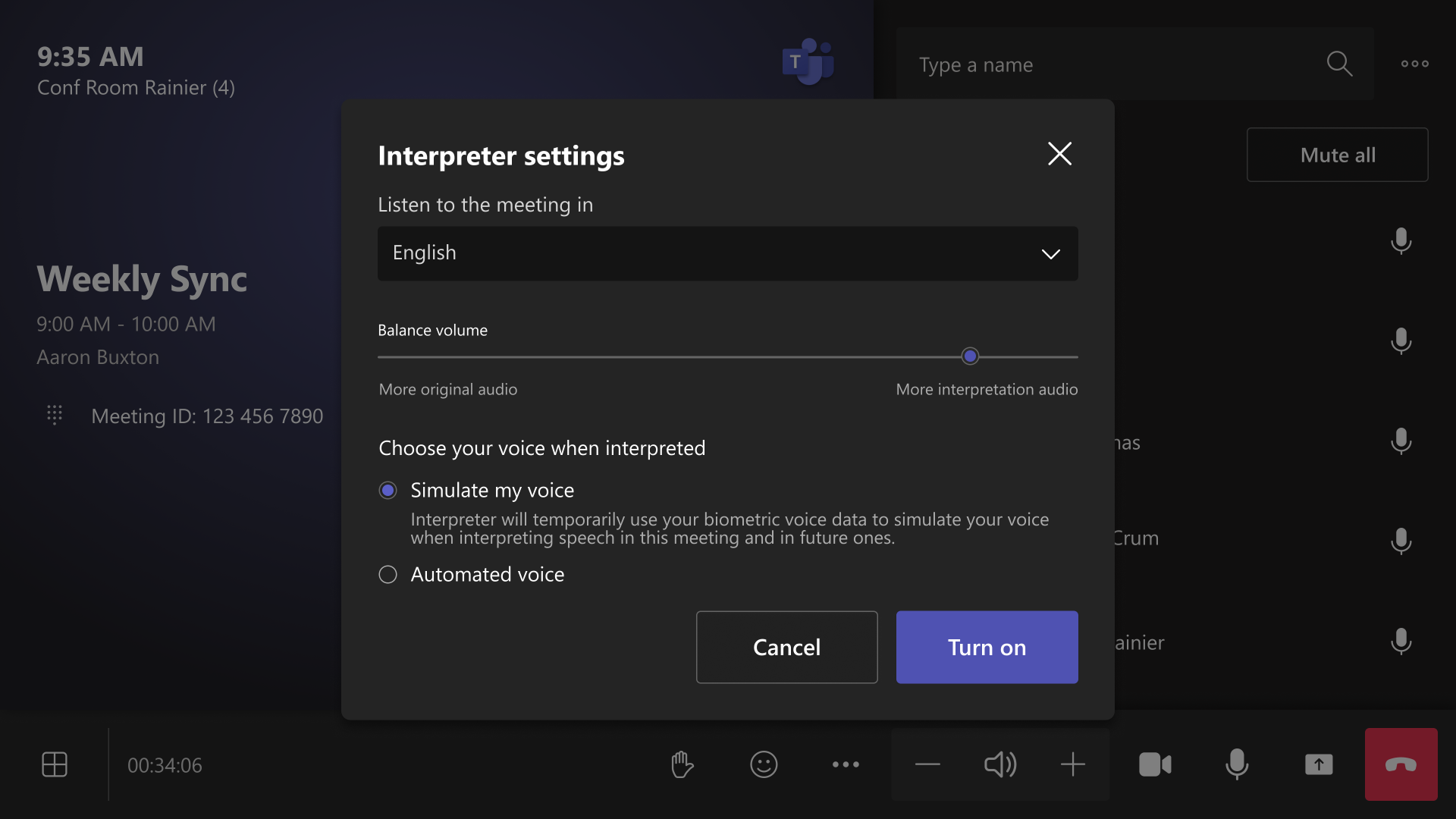
- Users will be able to enable Interpreter during supported meetings from the Teams Rooms on Android experience:

- Users can select a target language and choose how their translated speech is presented to others.
- Supported languages include Chinese (Mandarin), English, French, German, Italian, Japanese, Korean, Portuguese, and Spanish.
- Users can choose between Simulate my voice (default) and Automated voice for translated speech.
- Voice samples and biometric data are not stored. Audio is processed in real time and not retained.
- Simultaneous interpretation may introduce a brief delay while speech is translated:
- Interpreter is enabled by default at the tenant level.
- Admins can disable Interpreter for their organization and configure the default voice option through Teams meeting policies.
- There is no device-level Interpreter setting in the Pro Management Portal (PMP).
- Twenty hours of interpretation per room account per month are included with a Teams Rooms Pro license. Usage beyond the included allocation is subject to available capacity.
[Action required and recommendations]
No action is required.
We recommend that administrators:
- Verify that applicable room accounts have a Teams Rooms Pro license.
- Review existing Interpreter settings and default voice preferences for your organization.
- Communicate this new capability to helpdesk and support teams.
- Update internal training and support documentation as appropriate.
- Review the Interpreter administration guidance available in Microsoft Learn.
[Compliance considerations]
| Question | Answer |
| Does the change introduce or significantly modify AI/ML or agent capabilities that interact with or provide access to customer data? | Yes. Interpreter agent performs AI-powered real-time speech recognition, translation, and speech synthesis during meetings. |
| Does the change provide end users any new way of interacting with generative AI? | Yes. Users can enable Interpreter during meetings and receive AI-generated speech translation, including optional voice simulation. |
| Does the change include an admin control and can it be controlled through policy? | Yes. Admins can enable or disable Interpreter and configure the default voice behavior through Teams meeting policies. |
| Does the change allow a user to enable and disable the feature themselves? | Yes. Meeting participants can choose whether to enable Interpreter during a meeting and select voice preferences. |
Source: Microsoft Message Center • Analysed by MWPro