You can now visualize, explore and modify your Worker’s architecture directly in the Cloudflare dashboard, making it easier to understand how your application connects to Cloudflare resources like D1 databases, Durable Objects, KV namespaces, and more.
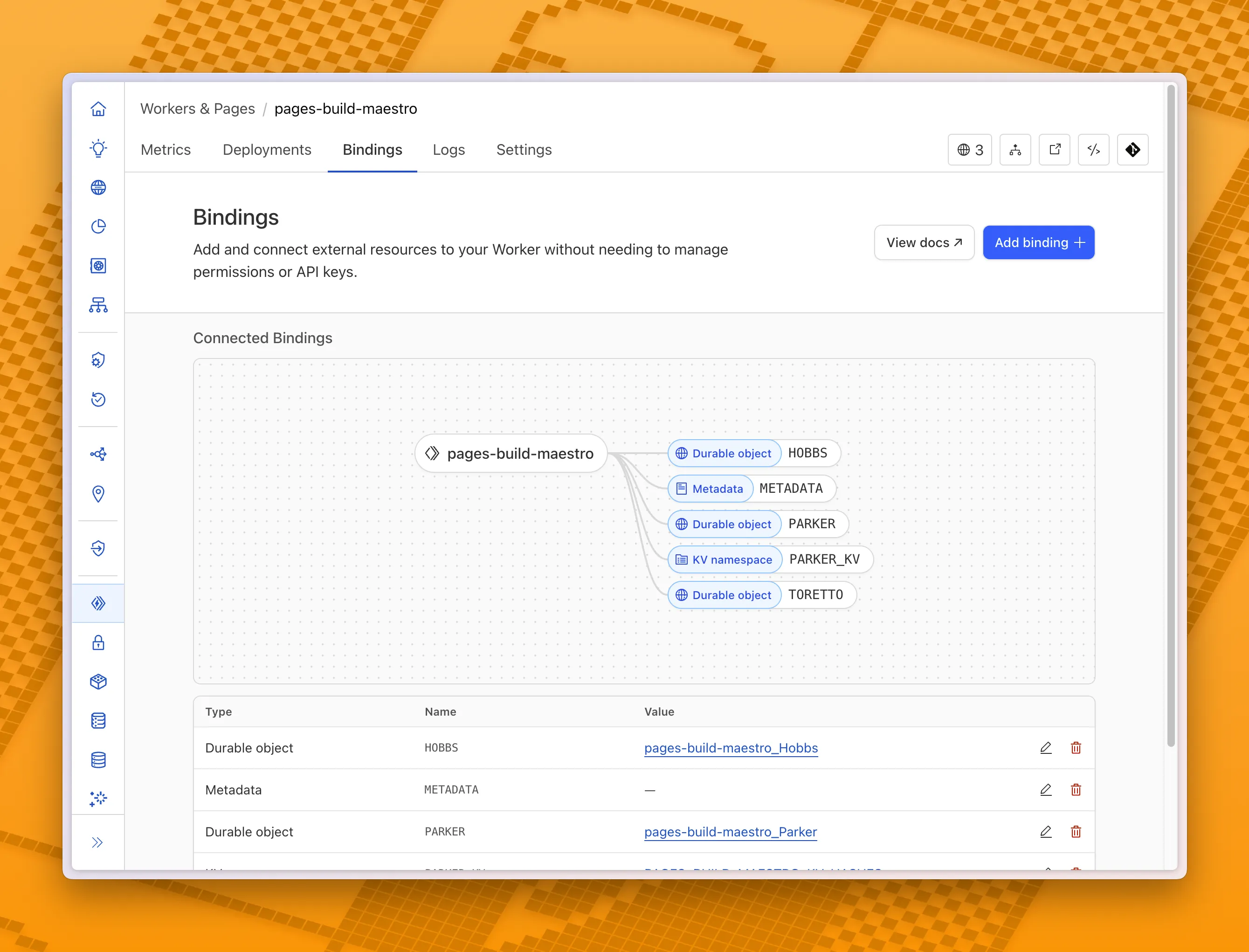
With this new view, you can easily:
- Explore existing bindings in a visual, architecture-style diagram
- Add and manage bindings directly from the same interface
- Discover the full range of compute, storage, AI, and media resources you can attach to your Workers application.
To get started, head to the Cloudflare dashboard and open the Bindings tab of any Workers application.
Source: Cloudflare
Latest Posts
- Web Search on AWS Bedrock now supports domain filtering and user location controls

- MC1523076: Microsoft Teams Shifts Loop Meeting Notes Storage to Meeting Organizer’s OneDrive
- MC1523090: Microsoft Teams Adds Side Conversations in Meeting Chat
- MC1523086: Microsoft Teams Adds Alternate Text Support for OneDrive and SharePoint Images






