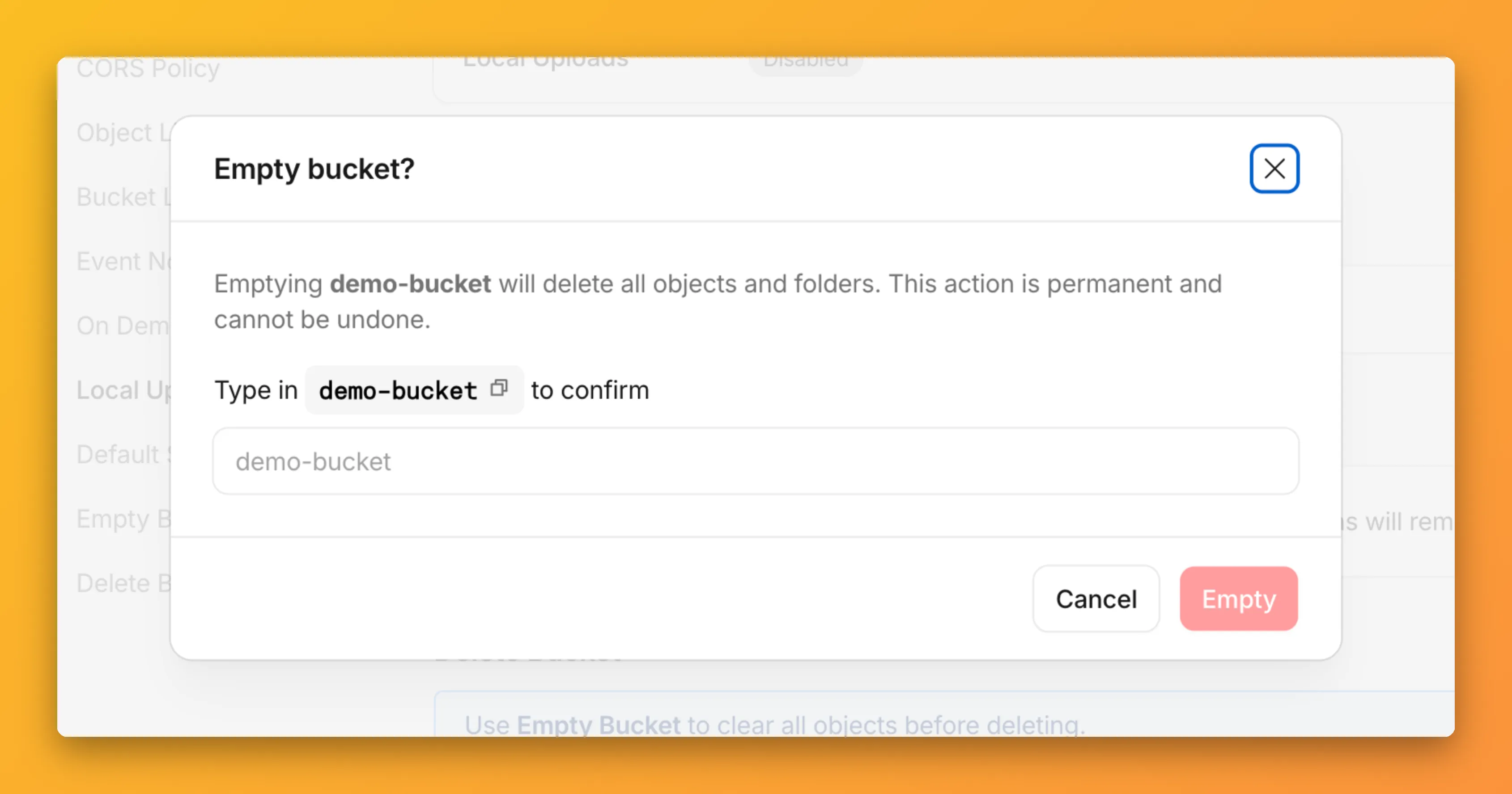
You can now empty an entire R2 bucket or delete folders directly from the dashboard. Emptying a bucket is required before you can delete it. Previously, this required scripting or configuring lifecycle rules. Now, the dashboard can handle it in a single action.
Empty a bucket
Go to your bucket’s Settings tab and select Empty under the Empty Bucket section. This deletes all objects in the bucket while preserving the bucket and its configuration. For large buckets, the operation runs in the background and the dashboard displays progress.
Emptying a bucket is also a prerequisite for deleting it. The dashboard now guides you through both steps in one place.
Delete folders
R2 uses a flat object structure. The dashboard groups objects that share a common prefix into folders when the View prefixes as directories checkbox is selected. Deleting a folder removes every object under that prefix.
From the Objects tab, you can select one or more folders and delete them alongside individual objects.
For step-by-step instructions, refer to Delete buckets and Delete objects.
Source: Cloudflare
Latest Posts
- R2 – Empty buckets and delete folders from the R2 dashboard

- Dynamics 365 Project Operations – Import projects in MPP files into existing projects [MC1296862]
![Dynamics 365 Project Operations – Import projects in MPP files into existing projects [MC1296862] 3 pexels pixabay 162140](data:image/svg+xml;base64,PHN2ZyB3aWR0aD0iMSIgaGVpZ2h0PSIxIiB4bWxucz0iaHR0cDovL3d3dy53My5vcmcvMjAwMC9zdmciPjwvc3ZnPg==)
- (Updated) Microsoft Teams: Private chat for organizers and presenters in structured meetings, webinars, and town halls [MC1188222]
![(Updated) Microsoft Teams: Private chat for organizers and presenters in structured meetings, webinars, and town halls [MC1188222] 4 pexels rodrigo souza 1275988 2531608](data:image/svg+xml;base64,PHN2ZyB3aWR0aD0iMSIgaGVpZ2h0PSIxIiB4bWxucz0iaHR0cDovL3d3dy53My5vcmcvMjAwMC9zdmciPjwvc3ZnPg==)
- Power Platform – Block sending customer data from Dataverse audit events to Purview Activity logging [MC1282554]
![Power Platform - Block sending customer data from Dataverse audit events to Purview Activity logging [MC1282554] 5 pexels pavel danilyuk 8294680](data:image/svg+xml;base64,PHN2ZyB3aWR0aD0iMSIgaGVpZ2h0PSIxIiB4bWxucz0iaHR0cDovL3d3dy53My5vcmcvMjAwMC9zdmciPjwvc3ZnPg==)


![Dynamics 365 Project Operations – Import projects in MPP files into existing projects [MC1296862] 3 pexels pixabay 162140](https://mwpro.co.uk/wp-content/uploads/2024/08/pexels-pixabay-162140-150x150.webp)
![(Updated) Microsoft Teams: Private chat for organizers and presenters in structured meetings, webinars, and town halls [MC1188222] 4 pexels rodrigo souza 1275988 2531608](https://mwpro.co.uk/wp-content/uploads/2024/08/pexels-rodrigo-souza-1275988-2531608-150x150.webp)
![Power Platform - Block sending customer data from Dataverse audit events to Purview Activity logging [MC1282554] 5 pexels pavel danilyuk 8294680](https://mwpro.co.uk/wp-content/uploads/2025/06/pexels-pavel-danilyuk-8294680-150x150.webp)