In your Worker’s dashboard, there is now a dedicated Domains tab where you can purchase a new domain through Cloudflare Registrar and have it automatically connected, add an existing domain, and manage all of your Worker’s routing in one place.
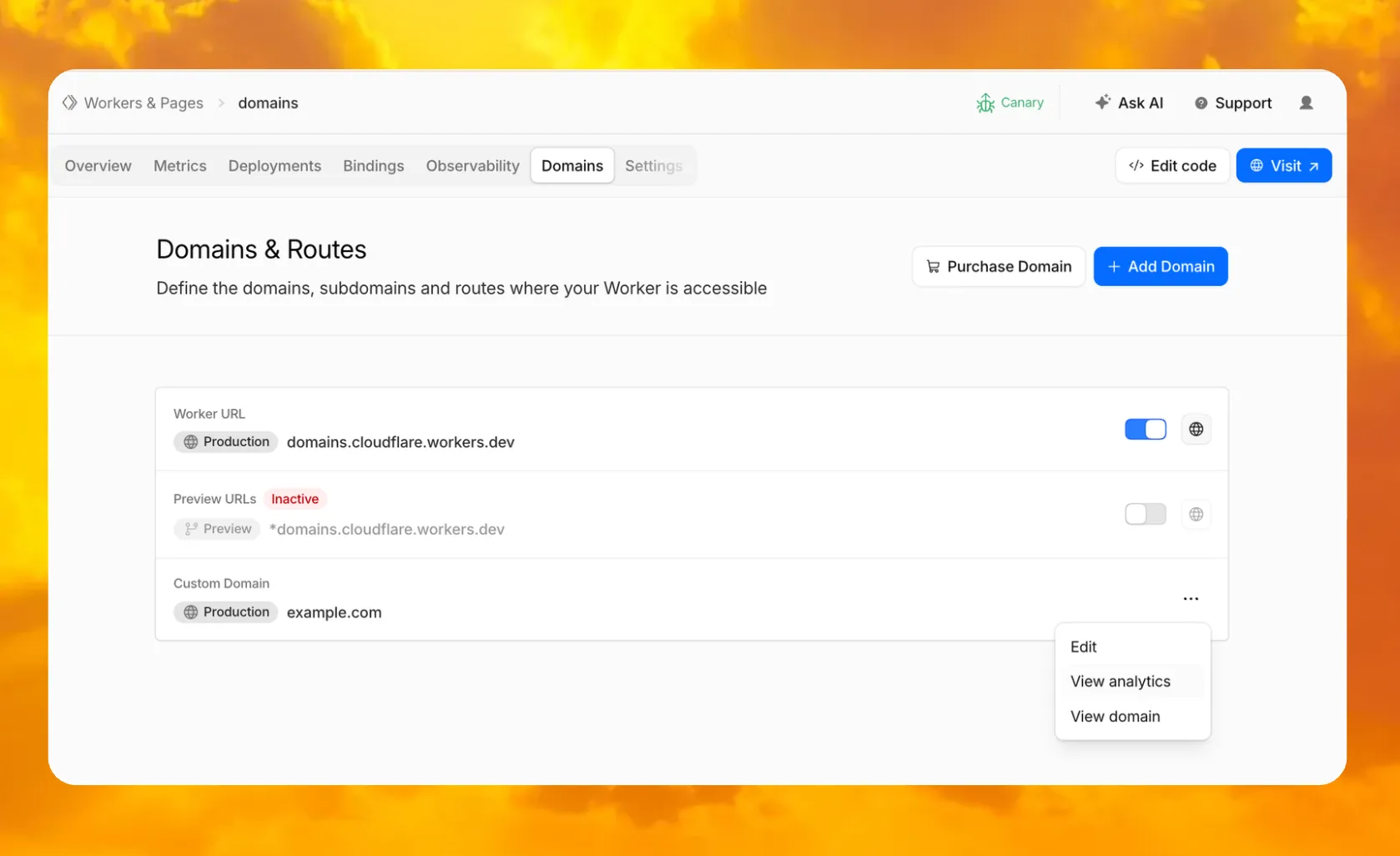
You can also enable or disable your workers.dev subdomain and Preview URLs, put them behind Cloudflare Access to require sign-in, and jump directly to analytics or domain overview for any connected domain.
To get started, go to Workers & Pages, select a Worker, and open the Domains tab.
Go to Workers & PagesSource: Cloudflare
Latest Posts
- MC1521617: Microsoft OneDrive Moves Create or Upload Button to Right Side in Web Experience

- MC1521609: PowerPoint Copilot Adds Skill to Create Customer-Facing Sales Pitches
- MC1521616: Microsoft Graph Adds APIs for Copilot Cost Management
- MC1521606: PowerPoint Copilot Adds Skill to Create Project Kickoff Presentations