Take a look and decide whether this affects your tenant, users or support teams.
Primary Audience
Why this score?
AT A GLANCE
END USERS
IT ADMINS
ROLLOUT TIMELINE
December 2026
📢 Official Microsoft Message Center Announcement
Microsoft Teams: Decline incoming mobile calls with a message
Message ID: MC1540349
[What and why]
Microsoft Teams mobile users will be able to decline an incoming Teams call and send a message to the caller at the same time. This gives users a faster way to communicate their availability without answering the call or separately navigating to chat.
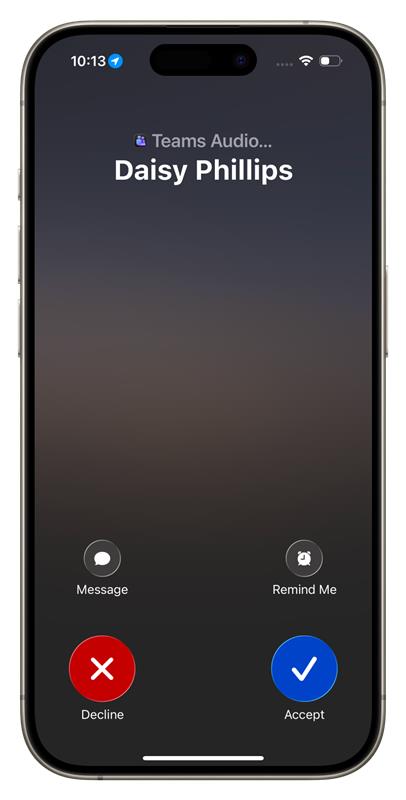
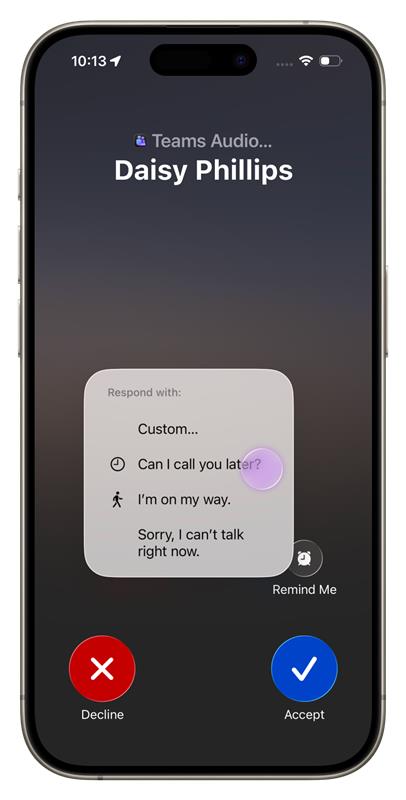
From the incoming call screen, users can select Message and choose a predefined response or select Custom to compose a personalized response in the relevant Teams chat.
[Rollout schedule]
- General Availability (Worldwide, GCC, GCC High, DoD): We will begin rolling out in early December 2026 and expect to complete by mid-December 2026.
[Impact on your organization]
Who is affected
- Microsoft Teams mobile users who receive eligible Teams-to-Teams calls and have an associated Teams chat available for the response
Platforms and services
- Microsoft Teams mobile
What will happen
Once this feature is available:
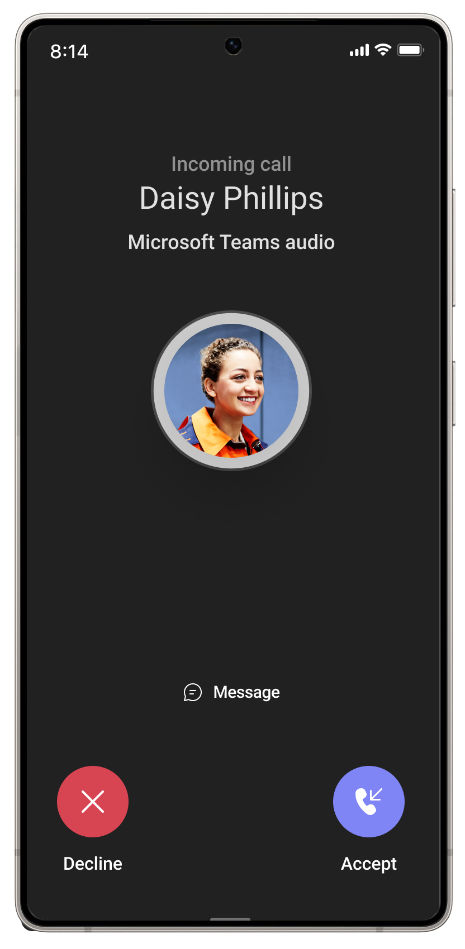
- Users will see a new Message option on the incoming call screen.
- Users can choose a predefined response, such as “Can I call you later?”, “I’m on my way.”, or “Sorry, I can’t talk right now.”
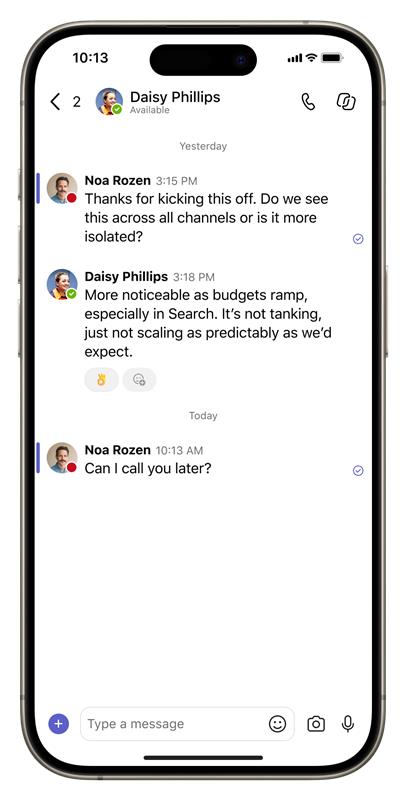
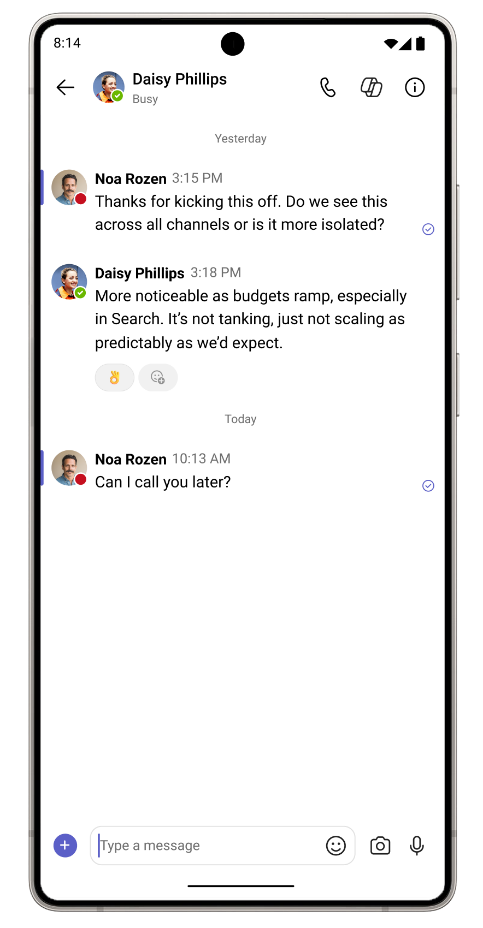
- Selecting a predefined response will decline the call and immediately send the selected message to the caller in Teams chat.
- Users can select Custom to decline the call and open the relevant Teams chat to compose a personalized response.
- The response will appear in Teams chat so users can continue the conversation after the call is declined.
- This capability will not apply to PSTN, anonymous, or interoperability calls where there is no corresponding Teams chat to receive the message.
- Existing options to accept or decline an incoming call will not change.
- The feature will become available automatically as it rolls out to eligible users.
iOS experience
Screenshot 1 – IOS view 1:
Screenshot 2 – IOS view 2:
Screenshot 3 – IOS view 3:
Android experience
Screenshot 4 – Android view 1:
Screenshot 5 – Android view 2:
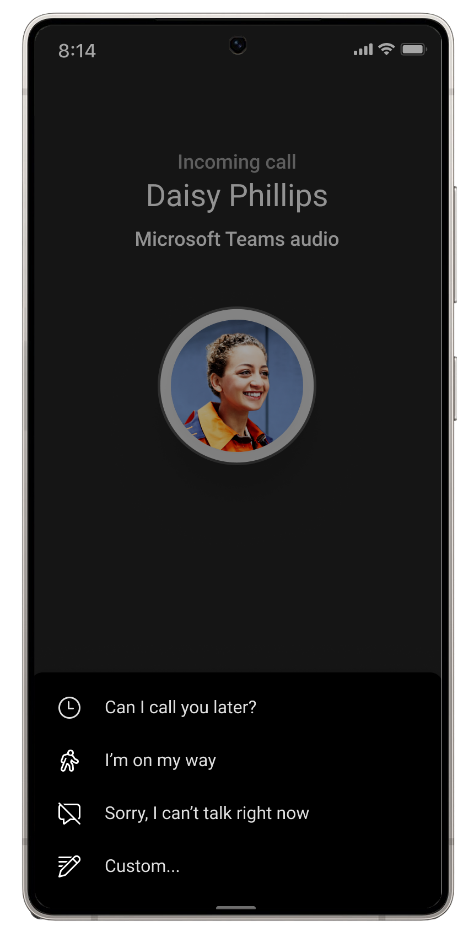
Screenshot 6 – Android view 3:
[Action required and recommendations]
No admin action is required before rollout.
We recommend informing your help desk and users about the new Message option, particularly users who frequently handle Teams calls from their mobile devices.
[Compliance considerations]
This change provides a new way for users to communicate by allowing a user declining an eligible Teams call to send a predefined or custom message to the caller through Teams chat. Review this change as appropriate for your organization.
Source: Microsoft Message Center • Analysed by MWPro