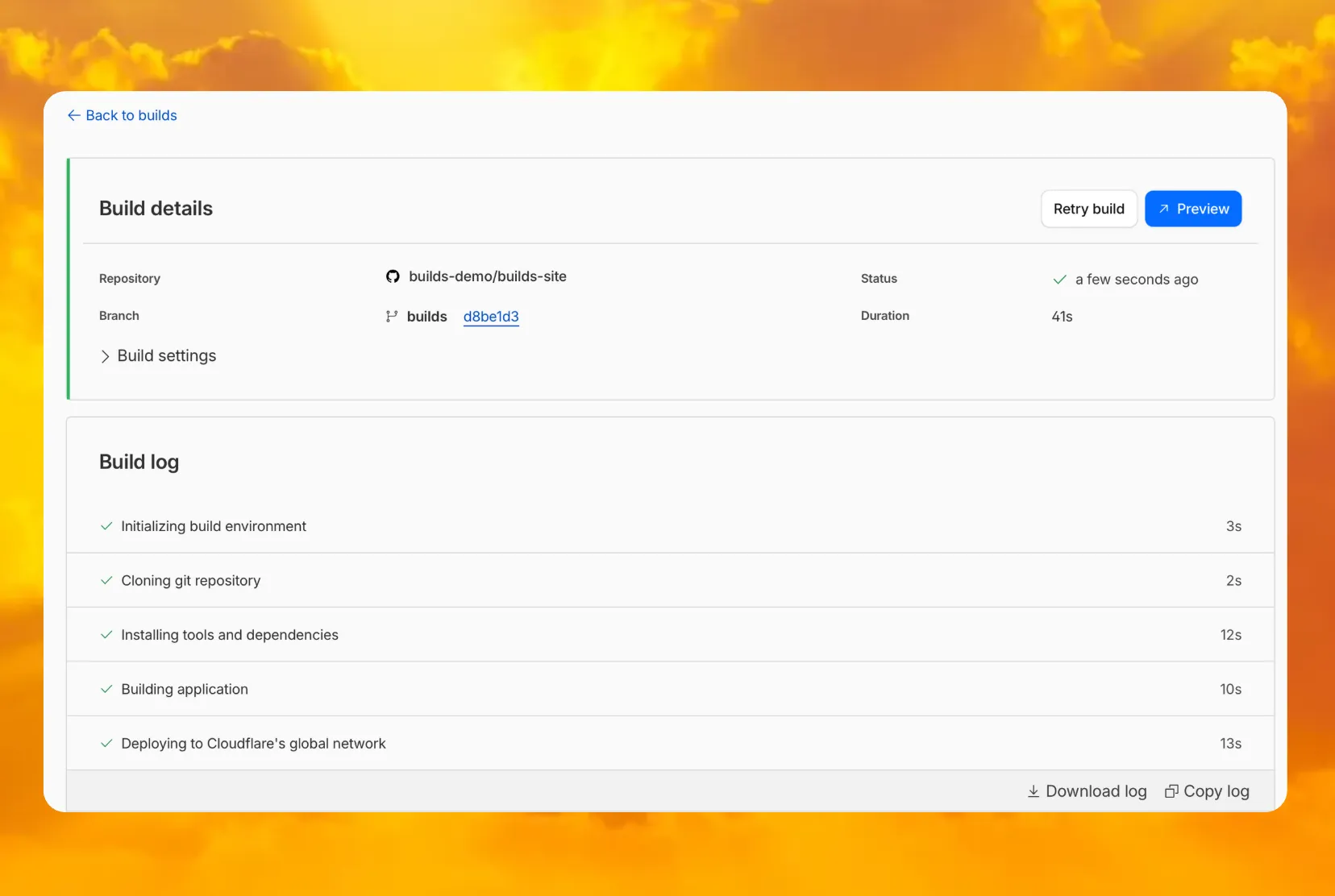
You can now access preview URLs directly from the build details page, making it easier to test your changes when reviewing builds in the dashboard.
What’s new
- A Preview button now appears in the top-right corner of the build details page for successful builds
- Click it to instantly open the latest preview URL
- Matches the same experience you’re familiar with from Pages
Source: Cloudflare
Latest Posts
- MC1523076: Microsoft Teams Shifts Loop Meeting Notes Storage to Meeting Organizer’s OneDrive

- MC1523090: Microsoft Teams Adds Side Conversations in Meeting Chat
- MC1523086: Microsoft Teams Adds Alternate Text Support for OneDrive and SharePoint Images
- MC1523085: Viva Insights Retires GitHub Copilot Opt-In Setting and Enables Metrics by Default